mirror of
https://github.com/Dokploy/dokploy.git
synced 2026-09-12 19:51:00 +05:00
 6e760da93b
A secret in Infisical can reference another one (`${env.folder.KEY}`), which
is the only way to keep a value in one place and read it from several folders.
The Infisical client fetches `/api/v3/secrets/raw` without
`expandSecretReferences`, and that endpoint leaves references untouched by
default. The referencing secret therefore arrives as the literal `${...}`
string, is written to the generated `.env`, and the deployment still reports
success — the service just receives a placeholder instead of its value.

This is easy to miss because the single-secret endpoint (`/raw/{name}`) does
expand by default, so the Infisical UI and API show the resolved value while
only Dokploy sees the literal.

Adds the parameter and the first tests for this client: the list request now
asserts the flag, a missing secret and an auth failure. Without the fix the
new test fails with `expected null to be 'true'`.
|
||
|---|---|---|
| .claude | ||
| .devcontainer | ||
| .github | ||
| .vscode | ||
| apps | ||
| packages/server | ||
| scripts | ||
| .dockerignore | ||
| .gitignore | ||
| .nvmrc | ||
| .worktreeinclude | ||
| biome.json | ||
| CLAUDE.md | ||
| CONTRIBUTING.md | ||
| Dockerfile | ||
| Dockerfile.cloud | ||
| Dockerfile.monitoring | ||
| Dockerfile.schedule | ||
| Dockerfile.server | ||
| GUIDES.md | ||
| LICENSE_PROPRIETARY.md | ||
| LICENSE.MD | ||
| openapi.json | ||
| package.json | ||
| pnpm-lock.yaml | ||
| pnpm-workspace.yaml | ||
| README.md | ||
| SECURITY.md | ||
| TERMS_AND_CONDITIONS.md | ||

Join us on Discord for help, feedback, and discussions!

Dokploy is a free, self-hostable Platform as a Service (PaaS) that simplifies the deployment and management of applications and databases.
✨ Features
Dokploy includes multiple features to make your life easier.
- Applications: Deploy any type of application (Node.js, PHP, Python, Go, Ruby, etc.).
- Databases: Create and manage databases with support for MySQL, PostgreSQL, MongoDB, MariaDB, libsql, and Redis.
- Backups: Automate backups for databases to an external storage destination.
- Docker Compose: Native support for Docker Compose to manage complex applications.
- Multi Node: Scale applications to multiple nodes using Docker Swarm to manage the cluster.
- Templates: Deploy open-source templates (Plausible, Pocketbase, Calcom, etc.) with a single click.
- Traefik Integration: Automatically integrates with Traefik for routing and load balancing.
- Real-time Monitoring: Monitor CPU, memory, storage, and network usage for every resource.
- Docker Management: Easily deploy and manage Docker containers.
- CLI/API: Manage your applications and databases using the command line or through the API.
- Notifications: Get notified when your deployments succeed or fail (via Slack, Discord, Telegram, Email, etc.).
- Multi Server: Deploy and manage your applications remotely to external servers.
- Self-Hosted: Self-host Dokploy on your VPS.
🚀 Getting Started
To get started, run the following command on a VPS:
Want to skip the installation process? Try the Dokploy Cloud.
curl -sSL https://dokploy.com/install.sh | bash
For detailed documentation, visit docs.dokploy.com.
Contributors 🤝
📺 Video Tutorial
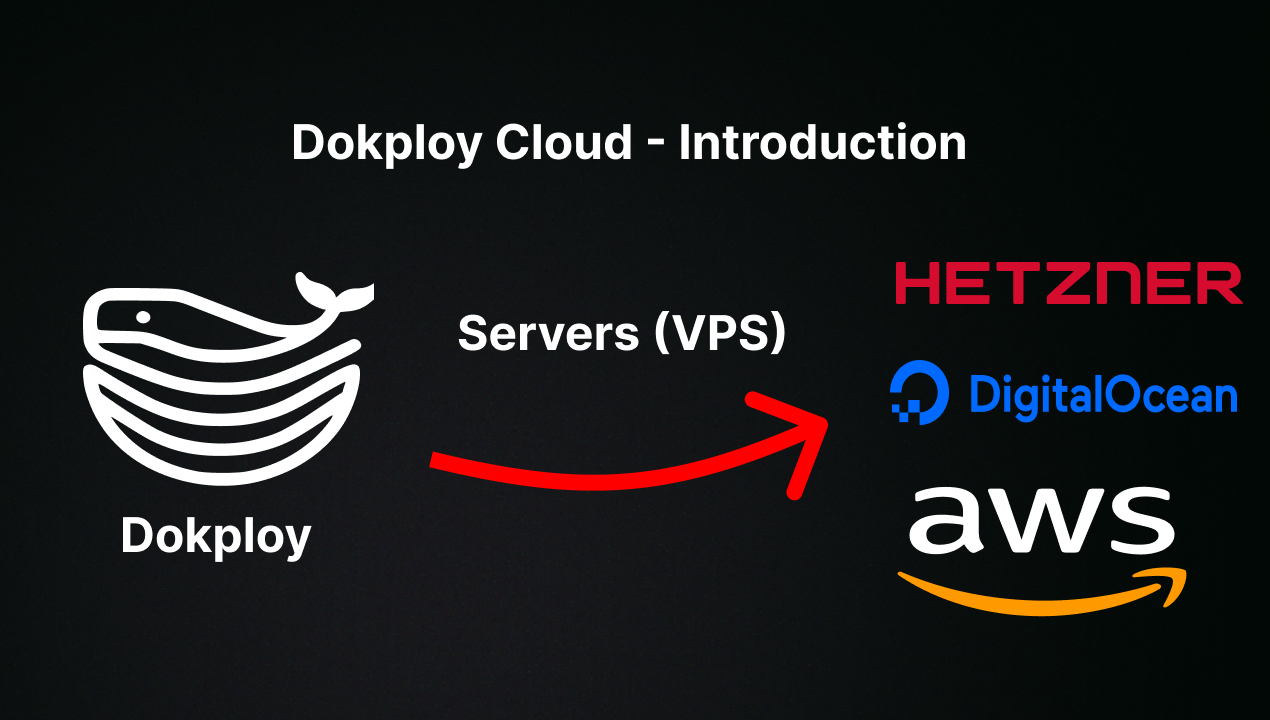
🤝 Contributing
Check out the Contributing Guide for more information.