mirror of
https://github.com/Dokploy/dokploy.git
synced 2026-09-12 19:51:00 +05:00
 5611662351
An Infisical provider is pinned to one non-recursive `secretPath`, so reading
two folders means two providers, two machine identities and two sets of
credentials to rotate. This lets a reference name the folder instead:

    ${{vault.my-provider.external/sentry:SENTRY_DSN}}

`<path>:<KEY>` mirrors the HashiCorp client in this directory, which already
documents that exact format. A relative path resolves against the provider's
`secretPath`, a leading slash is absolute, and a ref without a colon keeps its
current meaning — the whole ref is the secret name at the provider's own path.

A dot cannot be the separator here: Infisical accepts dots inside secret names
(`A.B.C` is a valid key), so `provider.a.b.C` cannot be split unambiguously
and would silently break anyone using such a name.

Refs are grouped by resolved path so each path is listed once, and the login
happens once per batch rather than once per path.

Tests cover the bare ref, relative and absolute paths, a provider at `/`,
grouping with a single login, the error naming the path, and a malformed ref.
|
||
|---|---|---|
| .claude | ||
| .devcontainer | ||
| .github | ||
| .vscode | ||
| apps | ||
| packages/server | ||
| scripts | ||
| .dockerignore | ||
| .gitignore | ||
| .nvmrc | ||
| .worktreeinclude | ||
| biome.json | ||
| CLAUDE.md | ||
| CONTRIBUTING.md | ||
| Dockerfile | ||
| Dockerfile.cloud | ||
| Dockerfile.monitoring | ||
| Dockerfile.schedule | ||
| Dockerfile.server | ||
| GUIDES.md | ||
| LICENSE_PROPRIETARY.md | ||
| LICENSE.MD | ||
| openapi.json | ||
| package.json | ||
| pnpm-lock.yaml | ||
| pnpm-workspace.yaml | ||
| README.md | ||
| SECURITY.md | ||
| TERMS_AND_CONDITIONS.md | ||
Join us on Discord for help, feedback, and discussions!

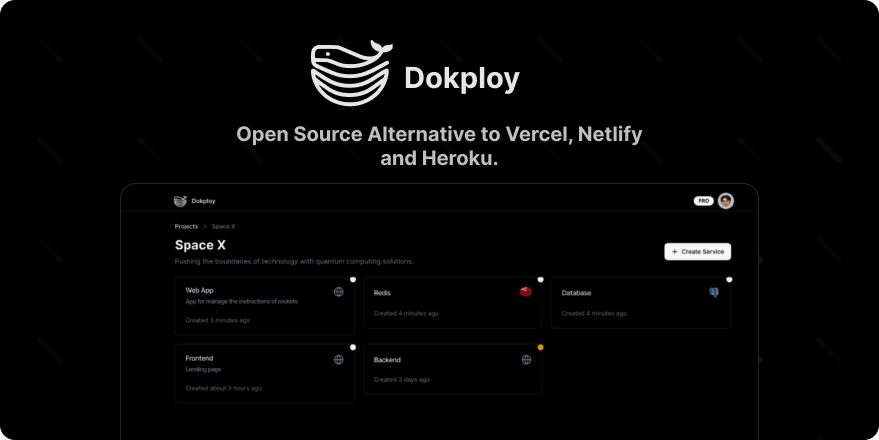
Dokploy is a free, self-hostable Platform as a Service (PaaS) that simplifies the deployment and management of applications and databases.
✨ Features
Dokploy includes multiple features to make your life easier.
- Applications: Deploy any type of application (Node.js, PHP, Python, Go, Ruby, etc.).
- Databases: Create and manage databases with support for MySQL, PostgreSQL, MongoDB, MariaDB, libsql, and Redis.
- Backups: Automate backups for databases to an external storage destination.
- Docker Compose: Native support for Docker Compose to manage complex applications.
- Multi Node: Scale applications to multiple nodes using Docker Swarm to manage the cluster.
- Templates: Deploy open-source templates (Plausible, Pocketbase, Calcom, etc.) with a single click.
- Traefik Integration: Automatically integrates with Traefik for routing and load balancing.
- Real-time Monitoring: Monitor CPU, memory, storage, and network usage for every resource.
- Docker Management: Easily deploy and manage Docker containers.
- CLI/API: Manage your applications and databases using the command line or through the API.
- Notifications: Get notified when your deployments succeed or fail (via Slack, Discord, Telegram, Email, etc.).
- Multi Server: Deploy and manage your applications remotely to external servers.
- Self-Hosted: Self-host Dokploy on your VPS.
🚀 Getting Started
To get started, run the following command on a VPS:
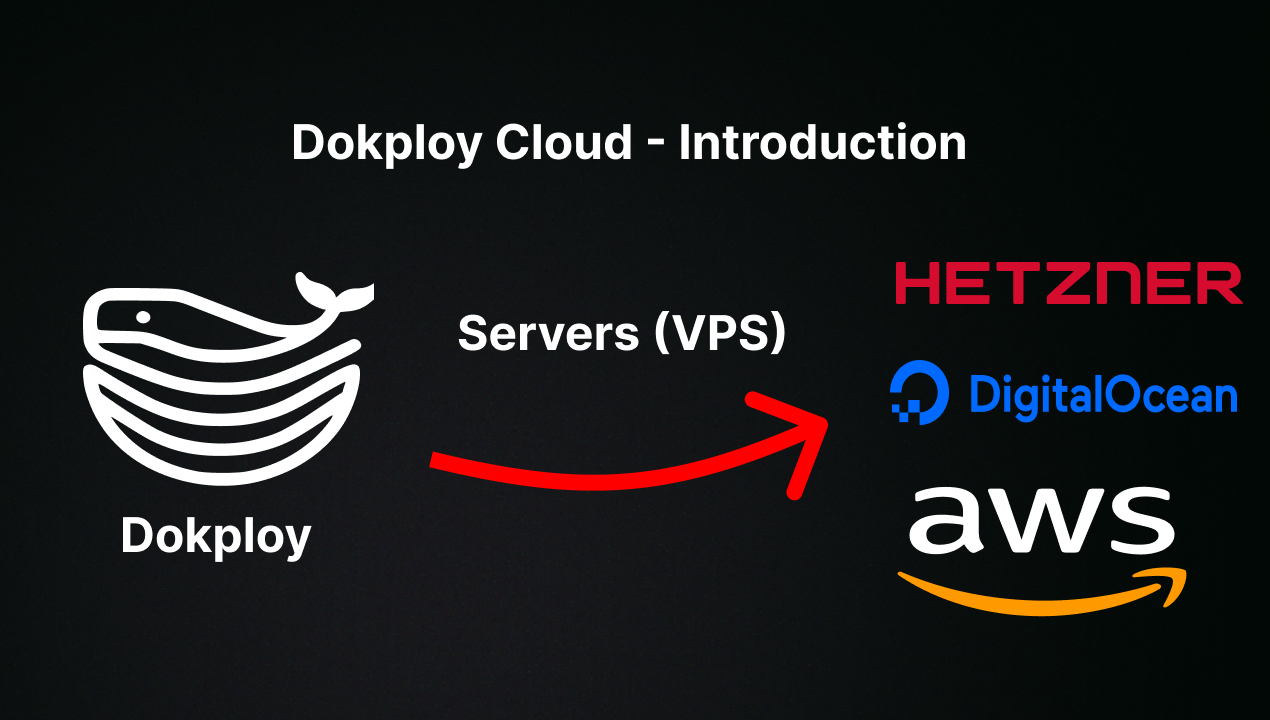
Want to skip the installation process? Try the Dokploy Cloud.
curl -sSL https://dokploy.com/install.sh | bash
For detailed documentation, visit docs.dokploy.com.
Contributors 🤝
📺 Video Tutorial
🤝 Contributing
Check out the Contributing Guide for more information.