mirror of
https://github.com/Dokploy/dokploy.git
synced 2026-09-12 19:51:00 +05:00
 28f71e727a
refreshZone runs after the record write has already succeeded, so a failure there means the change exists at the provider but is not being served yet. It was left unguarded at all six call sites, so the caller saw a bare transport error and would reasonably read it as "nothing was applied" — while a type change had already deleted the old record and created its replacement. Rolling the write back would destroy correct state over a publish failure, and re-deleting after an uncertain network error is how records get lost. The error now says what actually happened and how it resolves: the next successful change to the zone publishes it, or the user can refresh the zone from the OVH manager. Guarding the helper covers upsertRecord and deleteRecord too, not just the type change Greptile pointed at. Reported by Greptile on #5258. Co-Authored-By: Claude Opus 5 (1M context) <noreply@anthropic.com> |
||
|---|---|---|
| .claude | ||
| .devcontainer | ||
| .github | ||
| .vscode | ||
| apps | ||
| packages/server | ||
| scripts | ||
| .dockerignore | ||
| .gitignore | ||
| .nvmrc | ||
| .worktreeinclude | ||
| biome.json | ||
| CLAUDE.md | ||
| CONTRIBUTING.md | ||
| Dockerfile | ||
| Dockerfile.cloud | ||
| Dockerfile.monitoring | ||
| Dockerfile.schedule | ||
| Dockerfile.server | ||
| GUIDES.md | ||
| LICENSE_PROPRIETARY.md | ||
| LICENSE.MD | ||
| openapi.json | ||
| package.json | ||
| pnpm-lock.yaml | ||
| pnpm-workspace.yaml | ||
| README.md | ||
| SECURITY.md | ||
| TERMS_AND_CONDITIONS.md | ||

Join us on Discord for help, feedback, and discussions!

Dokploy is a free, self-hostable Platform as a Service (PaaS) that simplifies the deployment and management of applications and databases.
✨ Features
Dokploy includes multiple features to make your life easier.
- Applications: Deploy any type of application (Node.js, PHP, Python, Go, Ruby, etc.).
- Databases: Create and manage databases with support for MySQL, PostgreSQL, MongoDB, MariaDB, libsql, and Redis.
- Backups: Automate backups for databases to an external storage destination.
- Docker Compose: Native support for Docker Compose to manage complex applications.
- Multi Node: Scale applications to multiple nodes using Docker Swarm to manage the cluster.
- Templates: Deploy open-source templates (Plausible, Pocketbase, Calcom, etc.) with a single click.
- Traefik Integration: Automatically integrates with Traefik for routing and load balancing.
- Real-time Monitoring: Monitor CPU, memory, storage, and network usage for every resource.
- Docker Management: Easily deploy and manage Docker containers.
- CLI/API: Manage your applications and databases using the command line or through the API.
- Notifications: Get notified when your deployments succeed or fail (via Slack, Discord, Telegram, Email, etc.).
- Multi Server: Deploy and manage your applications remotely to external servers.
- Self-Hosted: Self-host Dokploy on your VPS.
🚀 Getting Started
To get started, run the following command on a VPS:
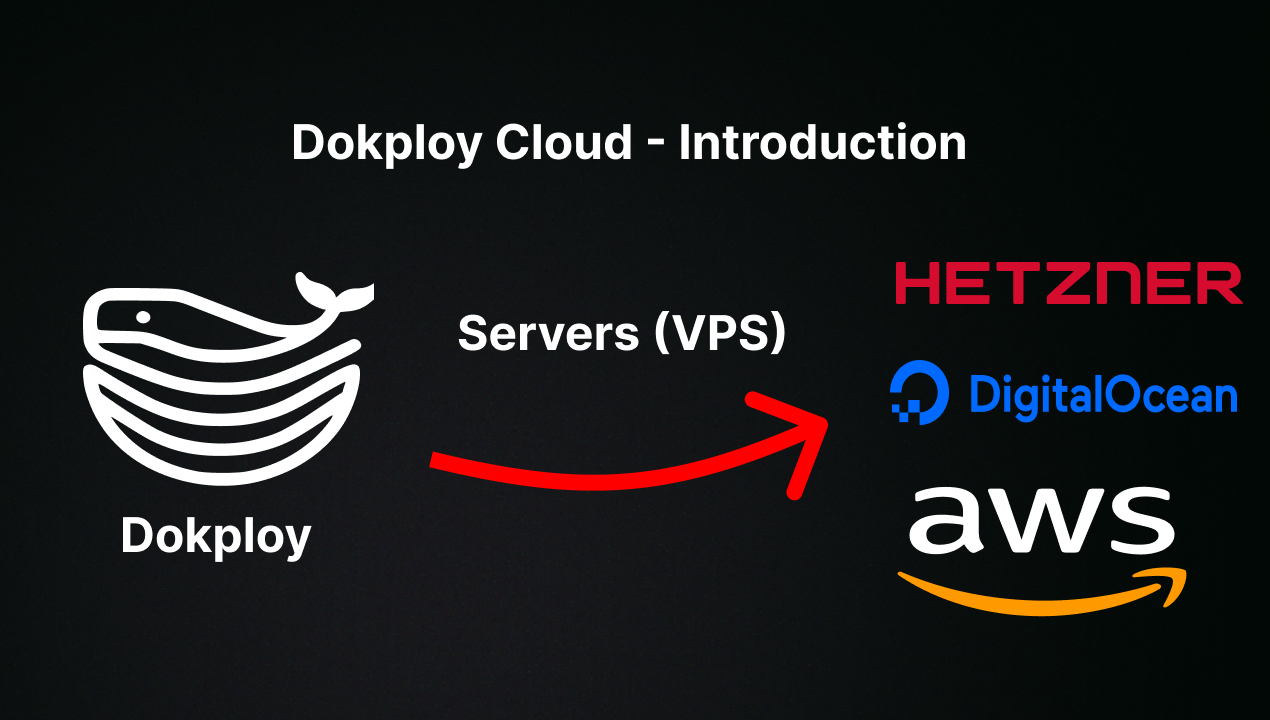
Want to skip the installation process? Try the Dokploy Cloud.
curl -sSL https://dokploy.com/install.sh | bash
For detailed documentation, visit docs.dokploy.com.
Contributors 🤝
📺 Video Tutorial
🤝 Contributing
Check out the Contributing Guide for more information.