mirror of
https://github.com/Dokploy/dokploy.git
synced 2026-09-12 19:51:00 +05:00
 0c1dfe978c
Fixes #5413. A secret brought into a folder with "Import Secrets" was reported as not found. Two reasons, and the first is easy to miss: The list endpoint takes the flag in **snake_case**. `includeImports` is silently ignored — the request still returns 200, with `imports` present but empty — so the imported secret looked like it simply did not exist. Measured against app.infisical.com with a registered import (confirmed via GET /api/v1/secret-imports): expandSecretReferences=true imports[] empty expandSecretReferences=true&includeImports=true imports[] empty expandSecretReferences=true&include_imports=true imports[] has the secret Second, imported secrets never appear in `secrets` — they come back in a separate `imports` array, one entry per source path, which the client did not read at all. Imported entries are merged before the folder's own, so a name defined in both resolves to the local value, matching how Infisical resolves it. Also measured, for whoever looks next: `/api/v4/secrets` returns imports with no flag at all, and single-secret reads (`/raw/{name}`) never see an imported key — 404 on v3, no such route on v4. So a folder listing is the only way to reach them. vault.test.ts: 57 passed. Reverting the fix fails the new merge test. Co-Authored-By: Claude Opus 5 (1M context) <noreply@anthropic.com> |
||
|---|---|---|
| .claude | ||
| .devcontainer | ||
| .github | ||
| .vscode | ||
| apps | ||
| packages/server | ||
| scripts | ||
| .dockerignore | ||
| .gitignore | ||
| .nvmrc | ||
| .worktreeinclude | ||
| biome.json | ||
| CLAUDE.md | ||
| CONTRIBUTING.md | ||
| Dockerfile | ||
| Dockerfile.cloud | ||
| Dockerfile.monitoring | ||
| Dockerfile.schedule | ||
| Dockerfile.server | ||
| GUIDES.md | ||
| LICENSE_PROPRIETARY.md | ||
| LICENSE.MD | ||
| openapi.json | ||
| package.json | ||
| pnpm-lock.yaml | ||
| pnpm-workspace.yaml | ||
| README.md | ||
| SECURITY.md | ||
| TERMS_AND_CONDITIONS.md | ||

Join us on Discord for help, feedback, and discussions!

Dokploy is a free, self-hostable Platform as a Service (PaaS) that simplifies the deployment and management of applications and databases.
✨ Features
Dokploy includes multiple features to make your life easier.
- Applications: Deploy any type of application (Node.js, PHP, Python, Go, Ruby, etc.).
- Databases: Create and manage databases with support for MySQL, PostgreSQL, MongoDB, MariaDB, libsql, and Redis.
- Backups: Automate backups for databases to an external storage destination.
- Docker Compose: Native support for Docker Compose to manage complex applications.
- Multi Node: Scale applications to multiple nodes using Docker Swarm to manage the cluster.
- Templates: Deploy open-source templates (Plausible, Pocketbase, Calcom, etc.) with a single click.
- Traefik Integration: Automatically integrates with Traefik for routing and load balancing.
- Real-time Monitoring: Monitor CPU, memory, storage, and network usage for every resource.
- Docker Management: Easily deploy and manage Docker containers.
- CLI/API: Manage your applications and databases using the command line or through the API.
- Notifications: Get notified when your deployments succeed or fail (via Slack, Discord, Telegram, Email, etc.).
- Multi Server: Deploy and manage your applications remotely to external servers.
- Self-Hosted: Self-host Dokploy on your VPS.
🚀 Getting Started
To get started, run the following command on a VPS:
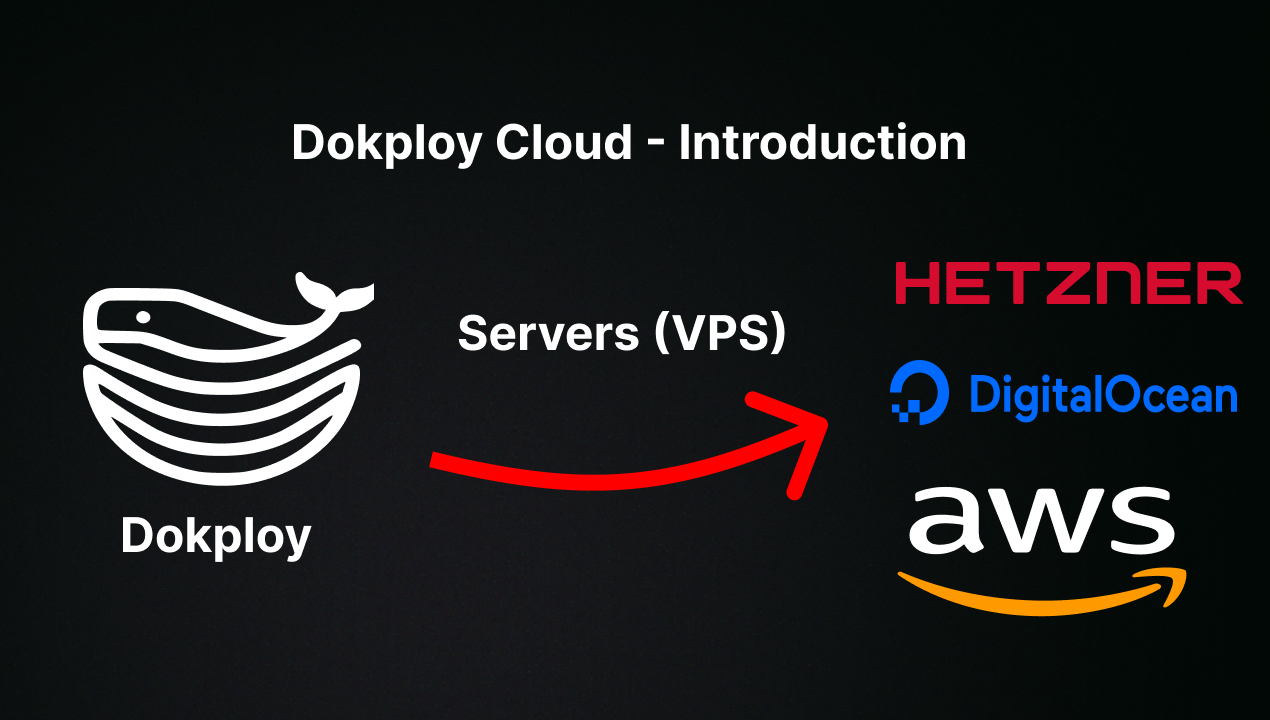
Want to skip the installation process? Try the Dokploy Cloud.
curl -sSL https://dokploy.com/install.sh | bash
For detailed documentation, visit docs.dokploy.com.
Contributors 🤝
📺 Video Tutorial
🤝 Contributing
Check out the Contributing Guide for more information.